Thumbnail Test
Your thumbnail, among the rest
Drop an image into the upload box. The feed updates instantly: switch to mobile, change YouTube's theme, shuffle or reset whenever you like.
Your Thumbnail
Controls
Live readout
- Image size
- No image yet
- Aspect ratio
- -
- Position in feed
- 01 / 20 · pinned
- View
- Desktop
- YouTube theme
- Dark
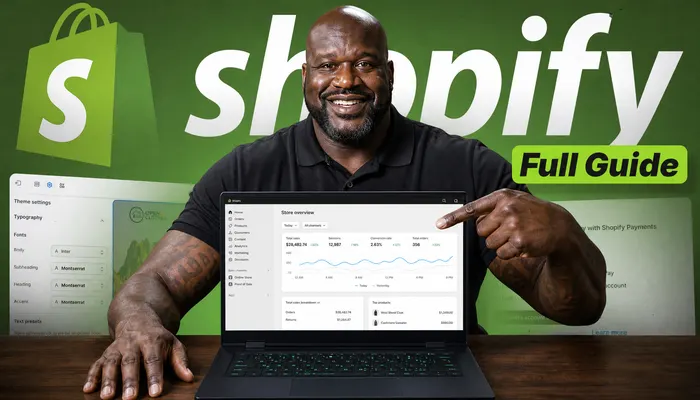
Shopify Full Guide: Build Your First Store in 2024
EcomEmpire
891K views · 1 week ago

KING OF FOOTBALL: Ronaldo vs Messi vs Mbappe
FootballZone
934K views · 2 days ago
Shopify Full Guide: From $0 to First Sale Fast
EcomEmpire
1.3M views · 2 weeks ago

I Played GTA With ZERO Crime For $100,000
GameVaultHD
3.2M views · 2 weeks ago

Press The Button, Win $10,000: World Cup Edition
ChallengeArena
456K views · 4 days ago

The AI Tool That BROKE Editing (Full Test)
FutureCuts
889K views · 10 days ago

Claude vs Shopify: I Built a Store With Only AI
AITechDaily
2.1M views · 6 days ago
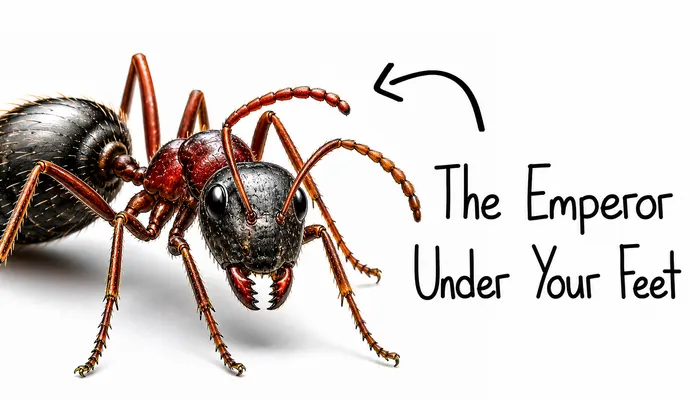
The Emperor Under Your Feet: Inside an Ant Colony
WildScience
1.1M views · 5 days ago
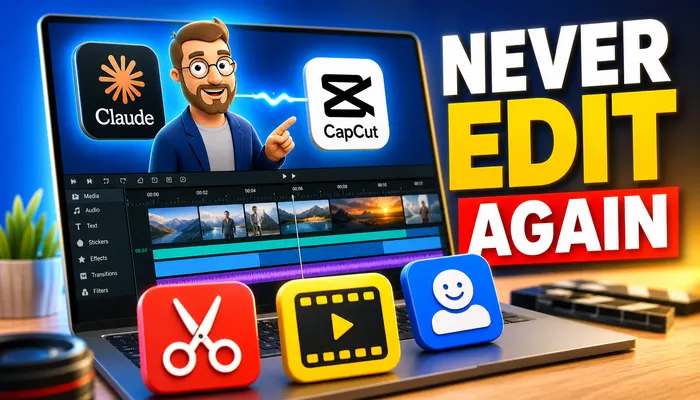
NEVER Edit Again: Claude + CapCut Auto Workflow
EditSmart
723K views · 3 weeks ago
GTA With No Crime: Can You Still Get Rich?
GameVaultHD
412K views · 3 days ago
I Replaced My Whole Team With Claude AI
AITechDaily
1.7M views · 6 months ago
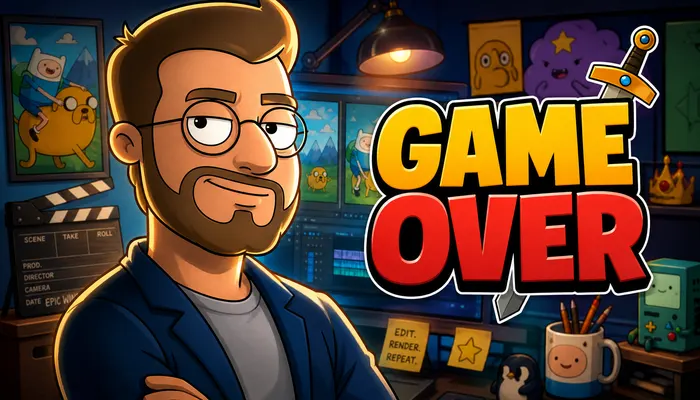
GAME OVER: Why Every Editor Burns Out (My Story)
CreatorDesk
2.4M views · 3 days ago
This AI Just BROKE Video Editing Forever
FutureCuts
1.8M views · 5 days ago
GAME OVER: The Edit That Almost Ended My Channel
CreatorDesk
2.9M views · 8 days ago
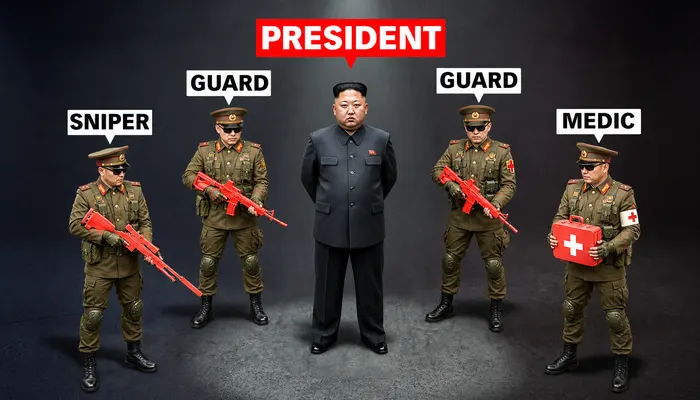
Inside a President's Security Team: Sniper to Medic
PowerFiles
5.4M views · 1 month ago
The Emperor Under Your Feet: Ant Wars Explained
WildScience
7.8M views · 1 month ago
President's Bodyguards: How Elite Security Works
PowerFiles
3.1M views · 2 days ago
World Cup Button Challenge: $10,000 On The Line
ChallengeArena
678K views · 4 weeks ago
NEVER Edit Again: My Full Auto CapCut Setup
EditSmart
4.5M views · 2 months ago
Don't just test your thumbnail, win the click
- Reverse-engineer any viral video's formula
- Unlimited script & hook analysis
- Ready-to-use AI content briefs
Your image stays on this device: the preview runs in your browser and nothing is uploaded.
How it works
Three steps, zero guesswork
- 01
Upload your thumbnail
Drag an image onto the upload box or click to pick one. It lands in the first slot of the feed right away.
- 02
Add your title
Type the title you plan to publish. The card shows it the way YouTube does: two lines, then it cuts off.
- 03
Put it to the test
Switch to mobile, flip YouTube between dark and light, and shuffle the feed to see it next to different videos. Reset starts over.
What to check
Four questions to ask the feed
- Q1
Does it stand out?
Squint at the grid. If your card blends into the videos around it, change colors or contrast.
- Q2
Is the text readable on mobile?
Turn on Mobile View. Words that are hard to read here will be hard to read on a phone.
- Q3
Does the corner stay clear?
Real feeds put the duration badge in the bottom-right corner. Keep key details away from it.
- Q4
Do title and image work together?
Add your real title and read both at once. If they repeat each other, one of them can say more.
FAQ
Quick answers
- Yes. You only need a free ViralDNA account: sign in with Google and the preview opens.
- No. Your browser reads the image and shows it from a local link. It is not sent to our servers, and it is gone when you leave the page.
- So you can find it instantly. Shuffle places it at a new position in the feed each time. Reset clears the image and puts the slot back at the top-left.
- Yes. Use the sun and moon button in the preview's top bar. It only changes the preview, not the rest of the site.
- They are thumbnails generated with ViralDNA, paired with sample titles and channels, so your card sits among realistic covers.
Know how it looks before you publish.
Free with an account. Your image never leaves your browser.